
HitPath sends click data to Anura in real time, and Anura returns a fraud status such as suspect or not suspect. You choose which campaigns are evaluated and review the results in a dedicated fraud report inside HitPath.
What is Anura and why does it matter?
Anura is a digital fraud detection platform used by performance marketers, advertisers, and affiliate networks to identify bots, click farms, and risky user behavior.
HitPath now offers an integration with Anura that enables real time click level fraud detection across selected campaigns. It gives advertisers and affiliate networks more transparency, control, and protection against invalid traffic. By combining HitPath tracking with Anura fraud scoring, you can reduce fraud related losses, improve partner compliance, protect advertisers from low quality traffic, and maintain a healthier performance marketing ecosystem.
How does the integration work?
Once enabled, HitPath sends click level data to Anura during each click event, and Anura analyzes it in real time and returns a status such as suspect or not suspect.
Only campaigns you manually enable are evaluated, so you stay in control. The result is real time fraud evaluations, campaign level control, centralized reporting inside HitPath, and better traffic quality for advertisers and partners.
What do you need to get started?
You need an active Anura account, and you must send your Anura API Key to the HitPath team, who load it into your instance so an Anura option appears in your campaign settings.
If you do not have an account yet, you can sign up for Anura at https://www.anura.io.
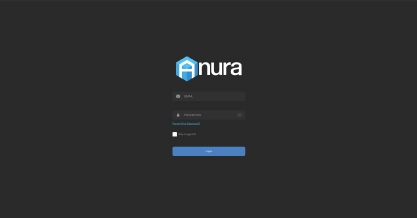
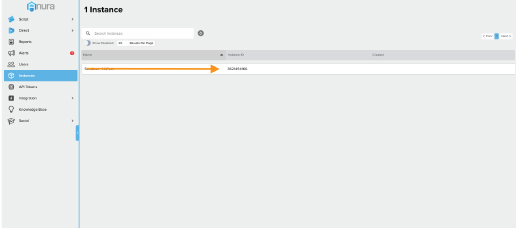
After creating your account, retrieve your Anura API Key from your Anura dashboard and send it to the HitPath team. The API Key is required before the integration can be activated. Once the team receives it, they load it into your instance. A new Anura option then appears within your campaign settings, allowing you to enable click level evaluation.
How do you choose which campaigns are evaluated?
Anura is off by default, so you open the campaign settings in HitPath, find the Anura Click Evaluation toggle, and turn it on for each campaign you want checked.

Only campaigns with the toggle enabled send clicks to Anura for verification. This lets you choose exactly where fraud evaluation is applied.
Where do you see the results?
Every fraud classification appears in the dedicated Anura Fraud Report inside HitPath, giving you immediate visibility into suspicious traffic.
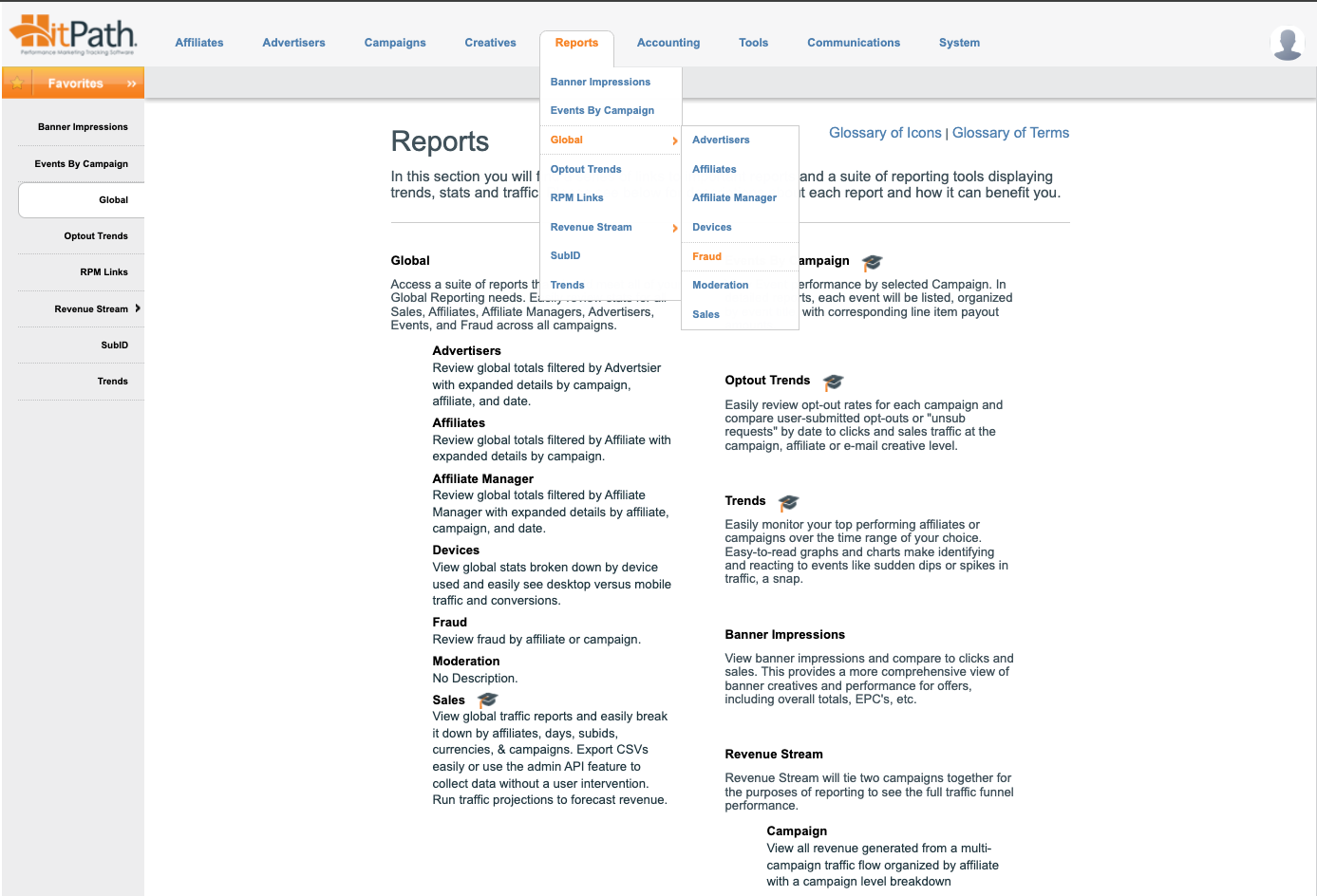
Once a campaign is enabled, HitPath evaluates every click using Anura's fraud engine. The integration adds a strong layer of click level fraud protection, with accurate fraud evaluations and better traffic insights.